
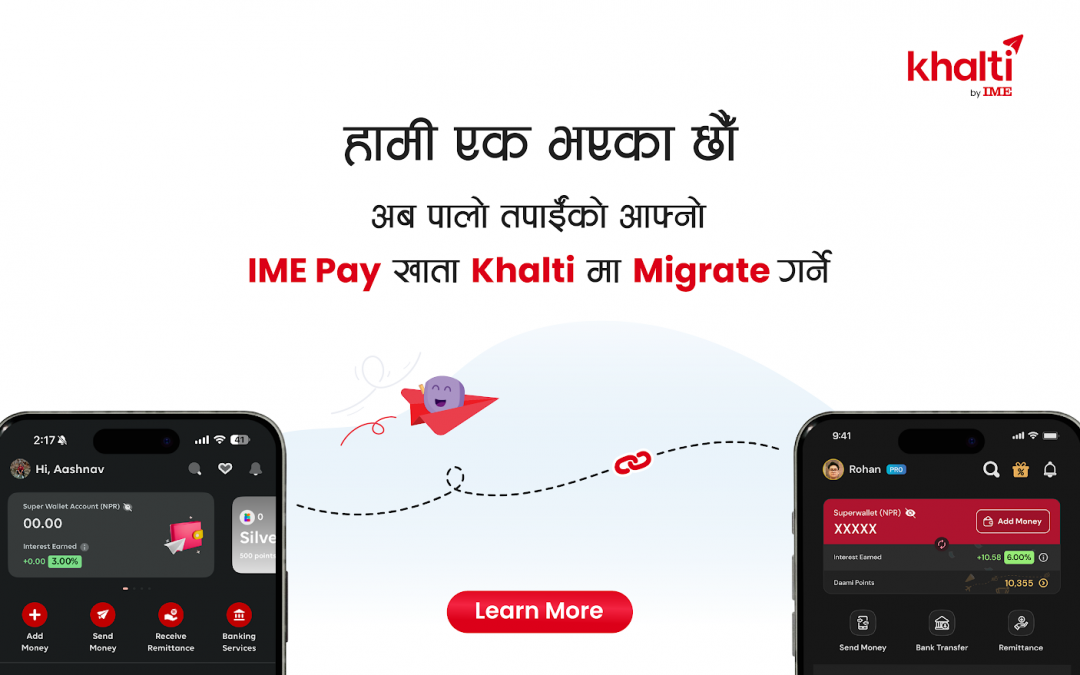
Khalti and IME Pay are now bringing together the best of both platforms to give you a more powerful, secure, and seamless digital wallet experience.
It’s time to bring your IME Pay account into Khalti and enjoy a unified digital experience. We understand you might have a lot of questions about how to merge your IME Pay account to Khalti.
What to expect from this blog ?
– How to Migrate your IME Pay account to your Khalti account
– What to do in case of inconvenience
– What features will be carried over from IME Pay to Khalti
First let’s have a look at how can you Merge your IME Pay account to Khalti account
We’re here to guide you every step of the way!
To make things clearer, let’s break it down into different cases.
Case 1: You have both IME Pay account and Khalti account with same number and documents
You can easily merge both accounts by following these steps:
- Open the Khalti app
- Tap on “Merge with IME” on the home screen (Login Page)
- You’ll be redirected to a page – enter your IME Pay number and password
- You’ll receive an OTP on your IME Pay registered number – enter it
- After OTP verification, you will see the User Detail Verification page (Name, document ID, Document Type, DOB) matches in both IME Pay and Khalti app.
- Your KYC details will be shown
- If the KYC details match, you’ll be taken to the “What’s Moving” page. This will show what will be moved from your IME Pay account to Khalti such as your Wallet Balance, Transaction History, KYC Details, Super wallet ( if you are a super wallet user) , IME Points.
- Tap ‘Confirm’ to give your consent
- That’s it! Your IME Pay and Khalti accounts will be merged (Please add that after the completion of merger your IME Pay account will be not accessible)
Case 2 : You have both IME Pay account and Khalti account with same number but different Name & DOB
- Open the Khalti app
- Tap on “Merge with IME” on the home screen
- You’ll be redirected to a page – enter your IME Pay number and password
- You’ll receive an OTP on your IME Pay registered number – enter it
- After OTP verification, you’ll see your IME Pay KYC details
- If the documents (Name & DOB) don’t match with Khalti, the system will detect a mismatch (but migration will be completed & will be flagged. The customer support team will contact them for Manual Data Verification.
- If the Name & DOB Matched & Document type & Document ID didn’t Match the migration will complete without any issue.
Case 3 : You have an IME Pay account but don’t have a Khalti account, or your Khalti account is not KYC verified
- Go to your IME Account
- Tap on “Merge with Khalti ” on the home screen
- You’ll be redirected to the Play Store to download the Khalti app (if you don’t have it) Or if you already have Khalti but haven’t verified it, log in to your unverified Khalti account
- Your IME pay account KYC verify details will be shown
- Once your Khalti account is verified, follow the steps from Case 1 to merge
- Set your Khalti passport & MPin
- After that easily merger your account
If you face any issue during the Merger Process you can reach out to us on
👉 Khalti and IME Pay social media pages
👉 Our Support Mails support@khalti.com & info@imepay.com.np
👉 Our support contact number ( Whatsapp) – 9801165561 & 9803556655
👉 Our toll-free number: 6600158888 & 16600-16-16-16
Sure! Here’s the same content without emojis:
What Will Migrate from IME Pay to Khalti?
When you merge your IME Pay account with Khalti, here’s what you can expect to be carried over:
- Wallet Balance:
Your IME Pay wallet balance will be automatically combined with your Khalti wallet balance. - Transaction History:
Your past transactions from IME Pay will be available in Khalti. - KYC Details:
Your verified KYC information will be securely transferred and recognized in your Khalti account. - IME Points:
Your IME Points will be merged with Khalti Points and converted into “Daaami Points” - Super Wallet Status:
If you had a Super Wallet in IME Pay, it will remain a Super Wallet even after the merge in Khalti.
Welcome to the new era of digital finance!
By merging your account, you unlock a unified wallet experience. Whether you’re sending money, paying bills, buying tickets, or shopping online everything is now possible from one single app for infinite possibilities
If you face any issues along the way, our dedicated support team is always here to help you.
Let’s move forward together because from Shrawan एक, we’re १.
Terms & Condition
1) After merging your account your IME Account will be invalid .
2) For any inconvenience reach out to us at
- info@imepay.com.np
- Telephone: +977-4217601
- Toll Free No: 16600-16-16-16
Click to migrate (redirect button)